

To create or amend a Salesforce Integration:
1
go to “CRM Integrations”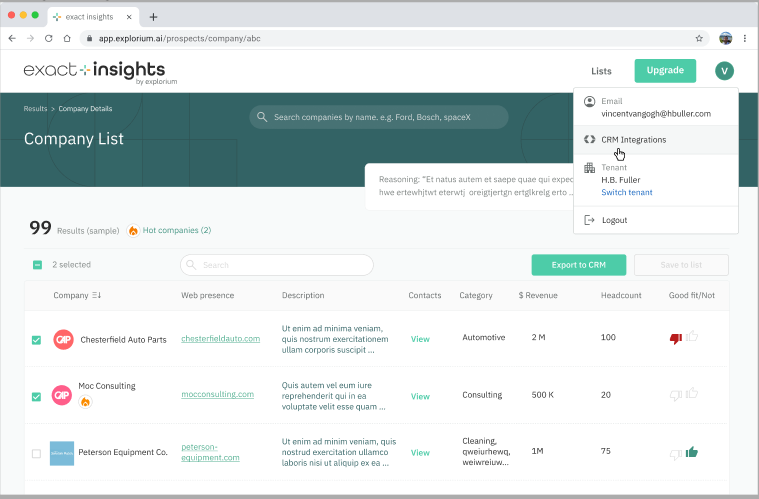
Integration Setup 1
2
Select “Connect to Salesforce”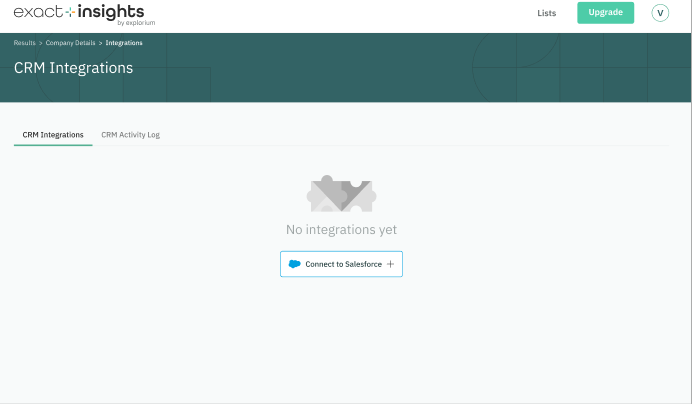
Creating a new SalesForce Integration
3
Authorize the salesforce Integration by providing your username and password authorized to create a new connection to your Salesforce environment.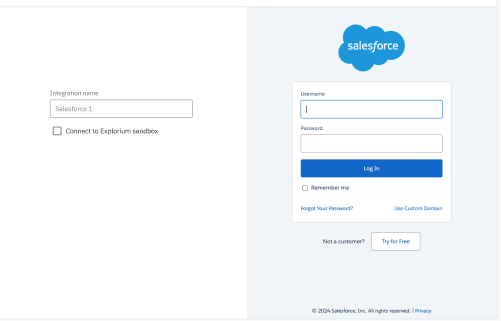
SalesForce Connection Authorization
4
When the connection is authorized by Salesforce, the Integration will be created and the ‘Connection Status’ will display “Valid” status.
SalesForce Integration