> ## Documentation Index
> Fetch the complete documentation index at: https://developers.explorium.ai/llms.txt
> Use this file to discover all available pages before exploring further.
# Account Access
## Overview
Accessing your Explorium account is the first step in leveraging the powerful AI-driven data enrichment tools. Whether you're logging in for the first time or managing your credentials, this guide will help you navigate the process efficiently.
**Why is this important?**
* Ensures **secure and seamless access** to your Explorium account.
* Allows you to manage users and API access.
* Prevents access issues and potential security risks.
## How to Log In
### Step 1: Navigate to the Login Page
Go to **[admin.explorium.ai](https://admin.explorium.ai/)**.
Click on **Sign In**.
### Step 2: Enter Your Credentials
Enter your **email address** and **password**.
Click **Log In**.
**Security Tip:**
Enable **2FA** for added security.
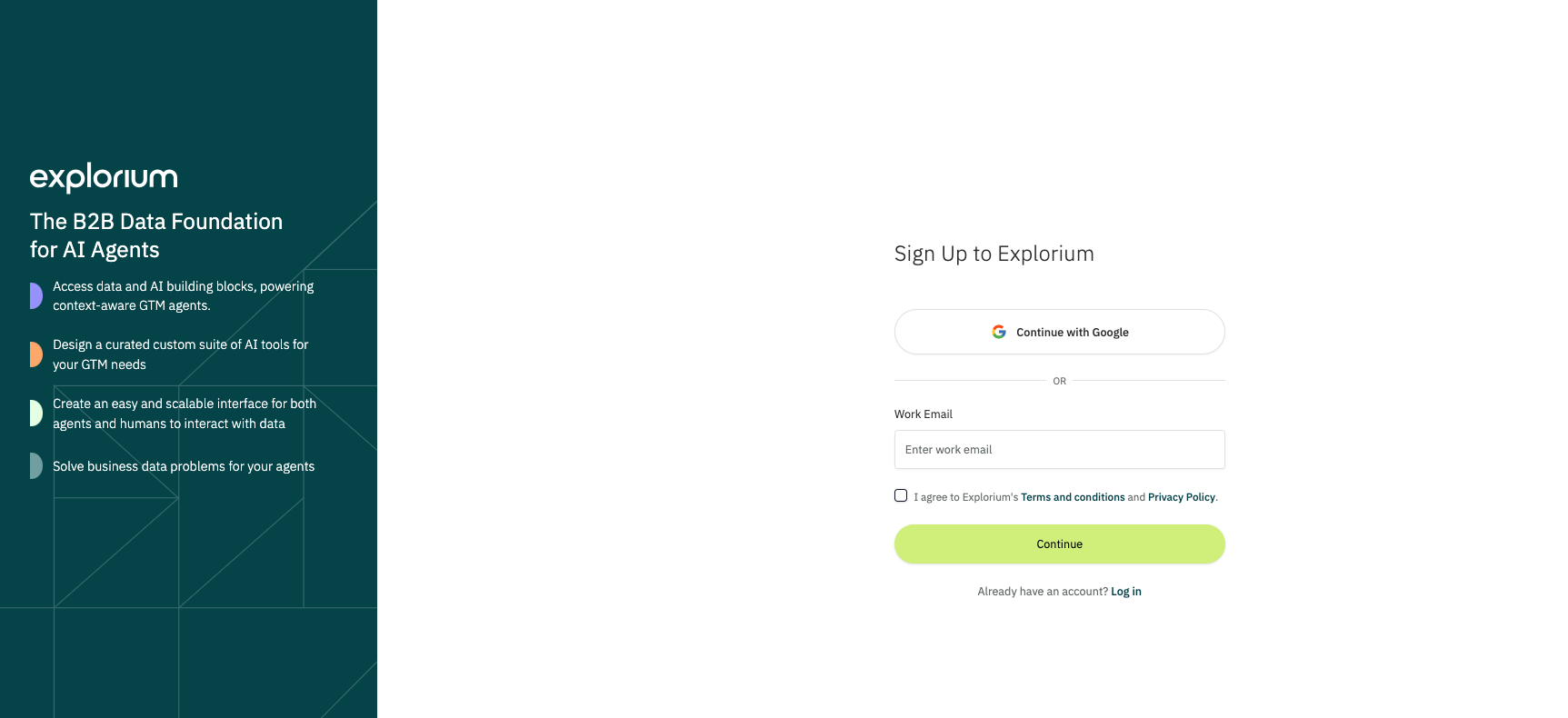 ## Creating a New Account
If you are a new user:
Click **Sign Up** on the login page.
Enter your **email address** and follow the instructions sent to your email.
Set up your profile and **create a secure password**.
**Note:**
If your organization requires admin approval, your account may need verification before accessing the platform.
## Troubleshooting Login Issues
If you experience login issues:
* **Wrong password?** Try resetting it using the **"Forgot Password?"** link.
* **Account locked?** Too many failed attempts may lock your account temporarily. Wait a few minutes and try again.
* **No verification email?** Check your spam folder or contact your **IT administrator**.
Need more help? Contact [support@explorium.ai](mailto:support@explorium.ai).
**You're now ready to access Explorium and start leveraging powerful AI-driven insights!**
## Creating a New Account
If you are a new user:
Click **Sign Up** on the login page.
Enter your **email address** and follow the instructions sent to your email.
Set up your profile and **create a secure password**.
**Note:**
If your organization requires admin approval, your account may need verification before accessing the platform.
## Troubleshooting Login Issues
If you experience login issues:
* **Wrong password?** Try resetting it using the **"Forgot Password?"** link.
* **Account locked?** Too many failed attempts may lock your account temporarily. Wait a few minutes and try again.
* **No verification email?** Check your spam folder or contact your **IT administrator**.
Need more help? Contact [support@explorium.ai](mailto:support@explorium.ai).
**You're now ready to access Explorium and start leveraging powerful AI-driven insights!**