

NoteThe selected report cannot exceed 2000 records otherwise the information cannot be synchronized.
1
Once you have created and connected to your salesforce connection
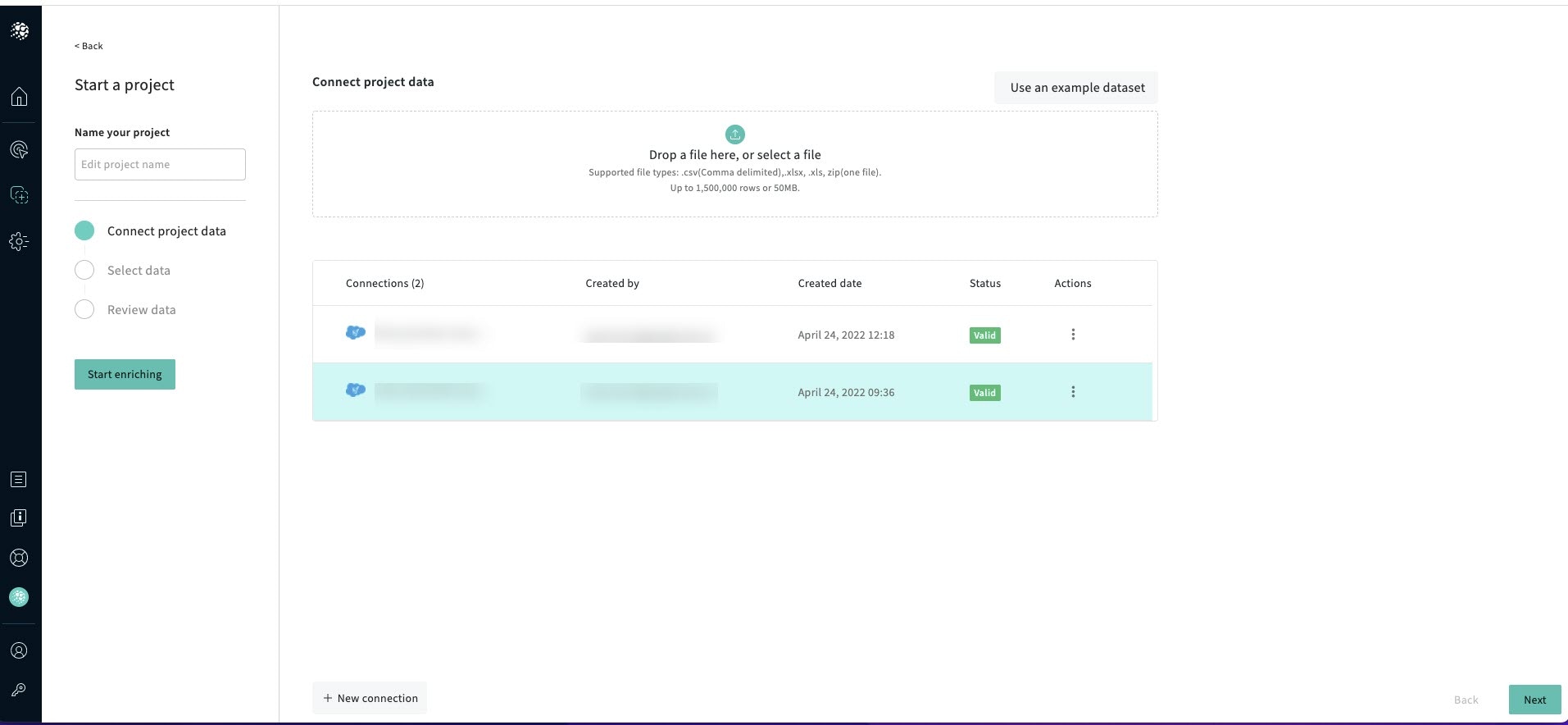
2
Click Next
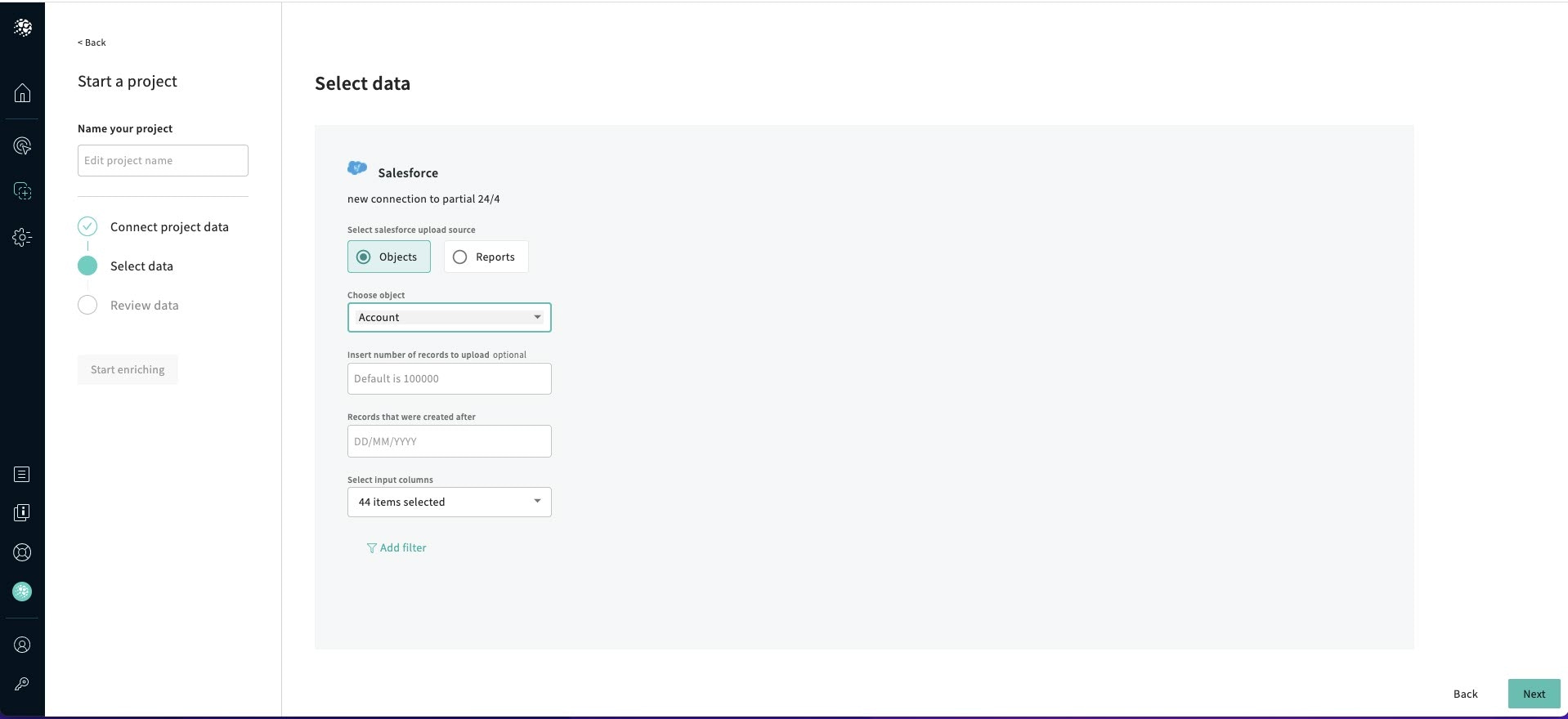
The Select data screen is displayed.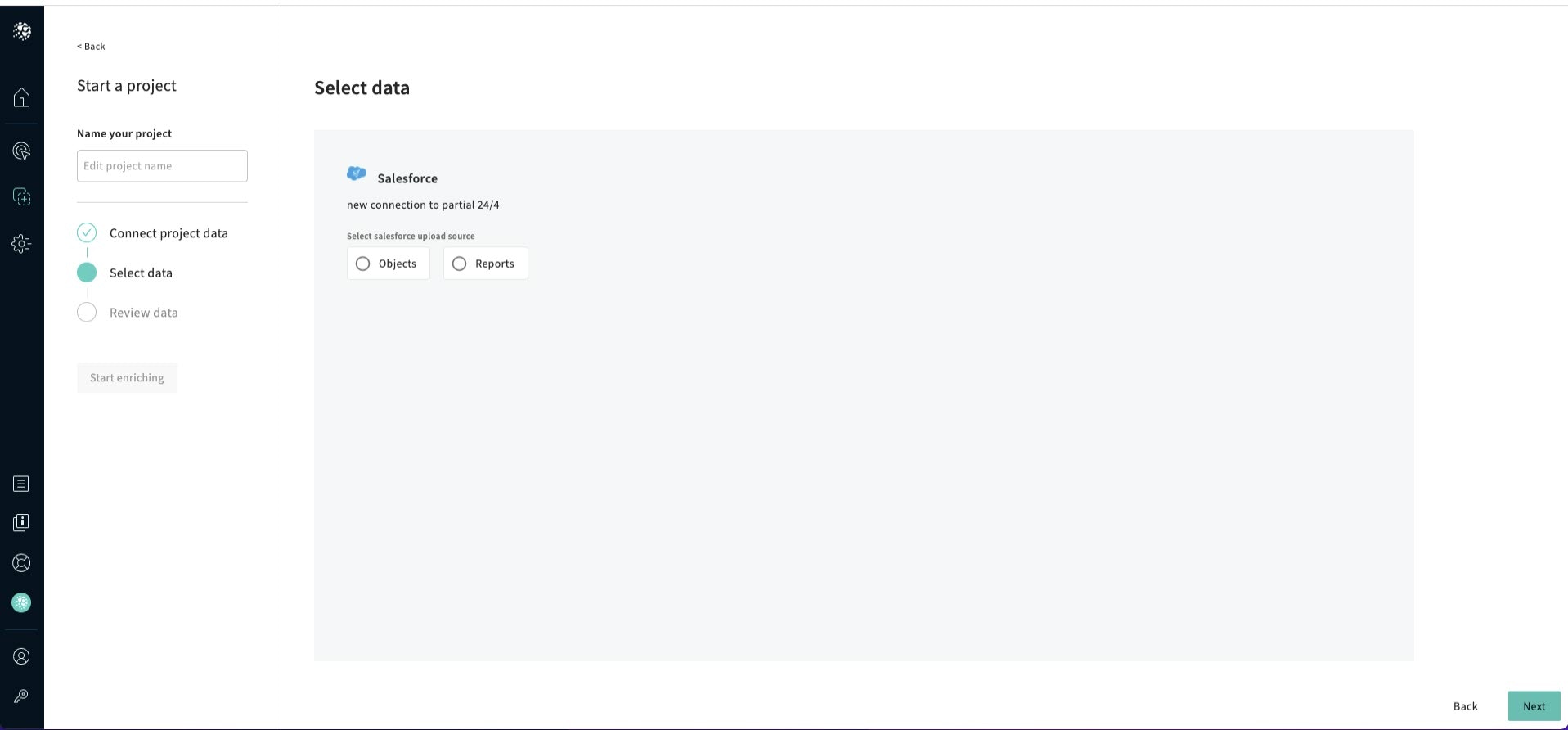
3
Click Objects
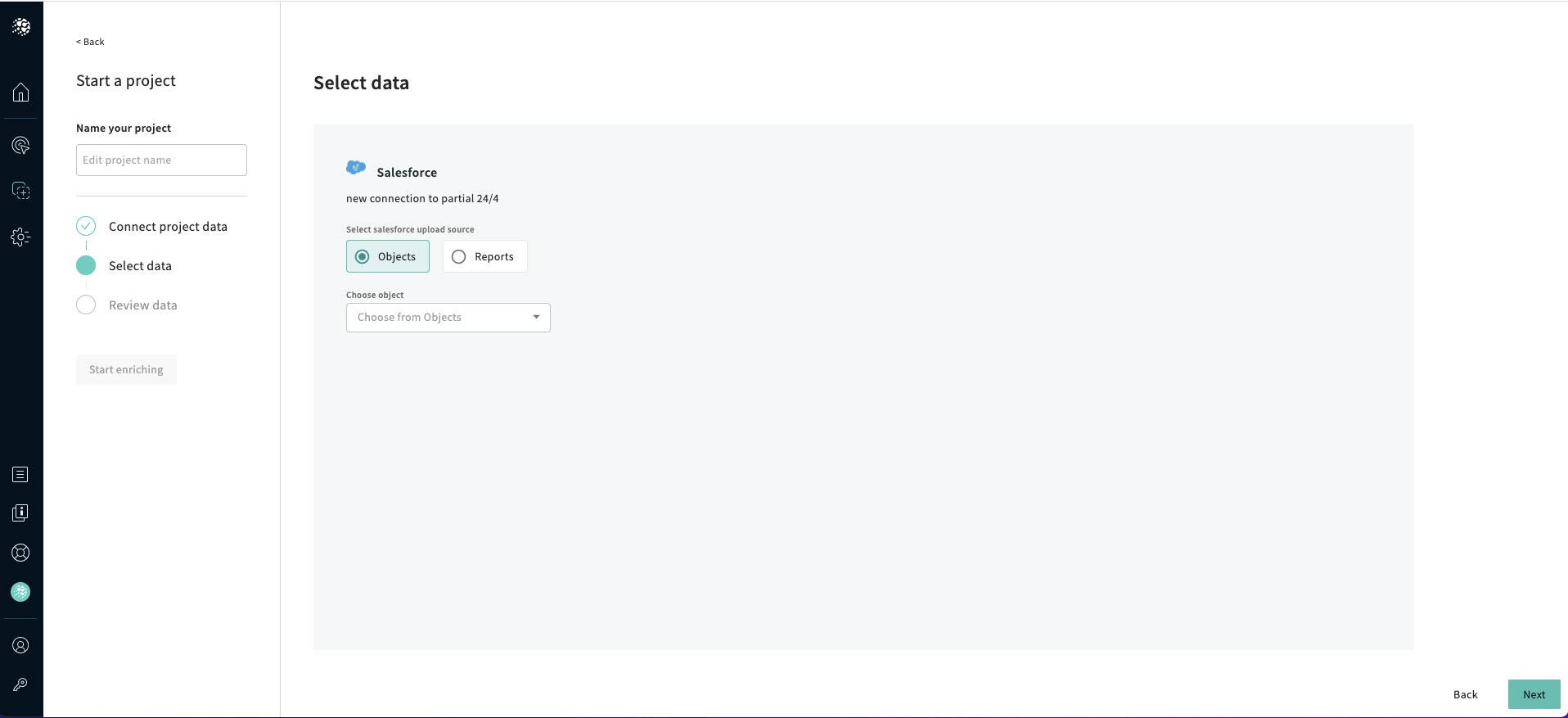
4
Choose an Object from the drop-down list
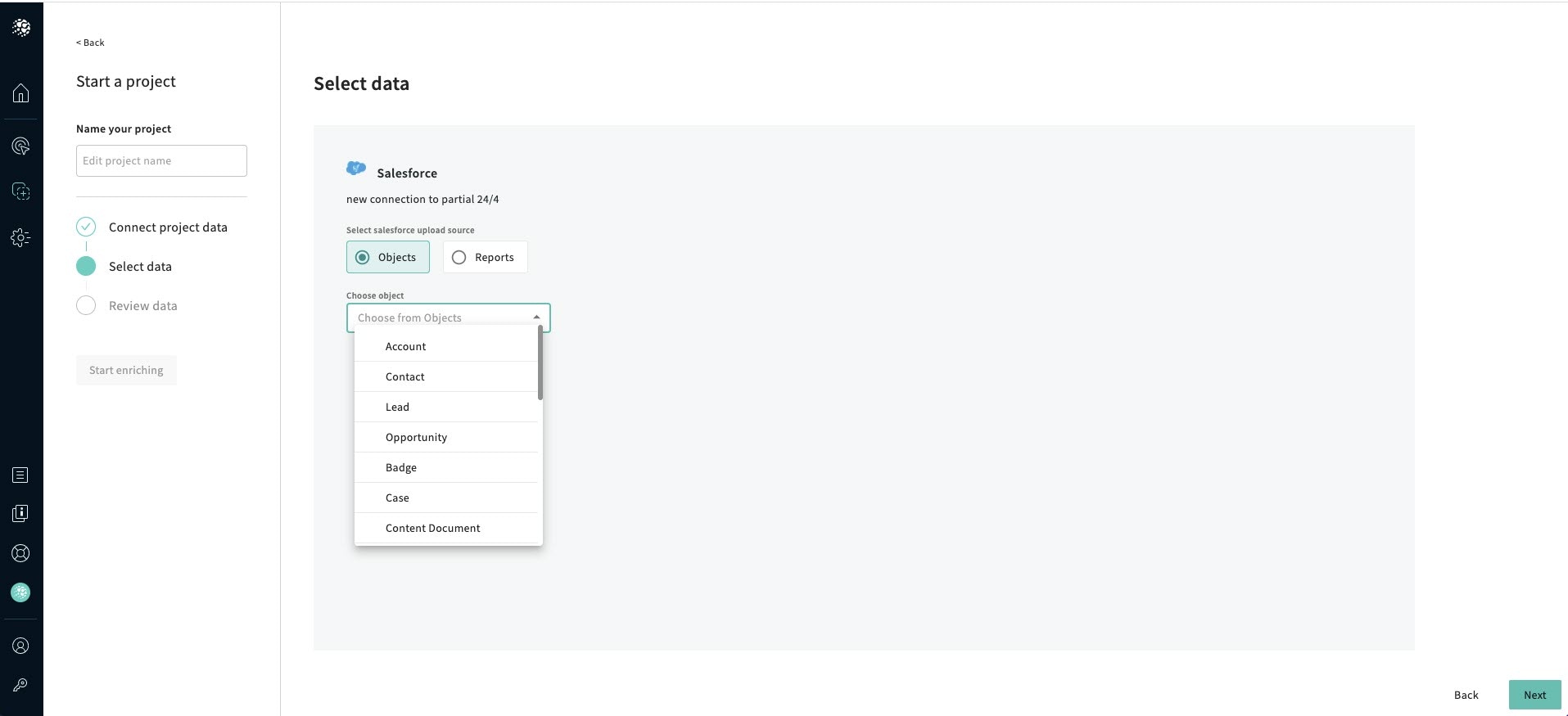
5
Insert the number of records to upload which is optional
6
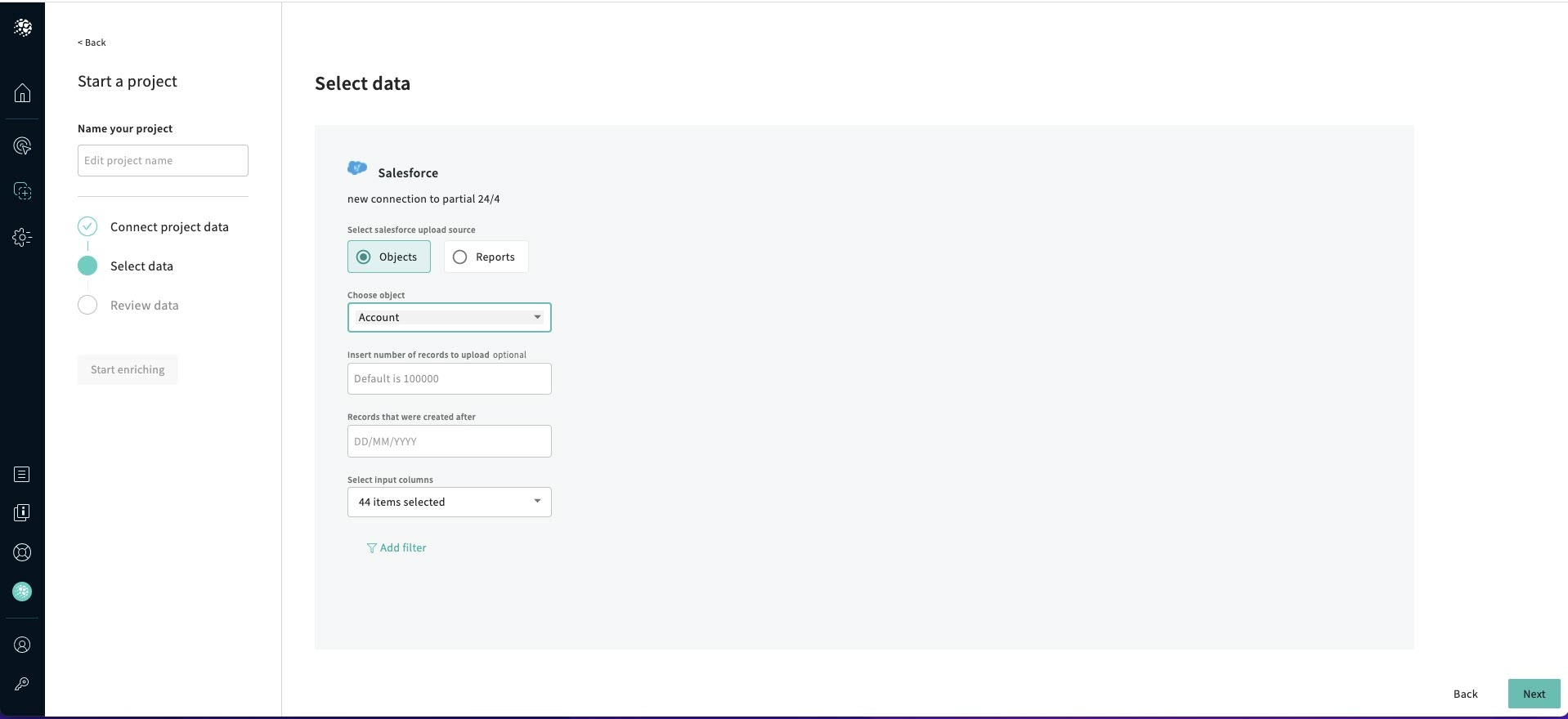
Insert the date
7
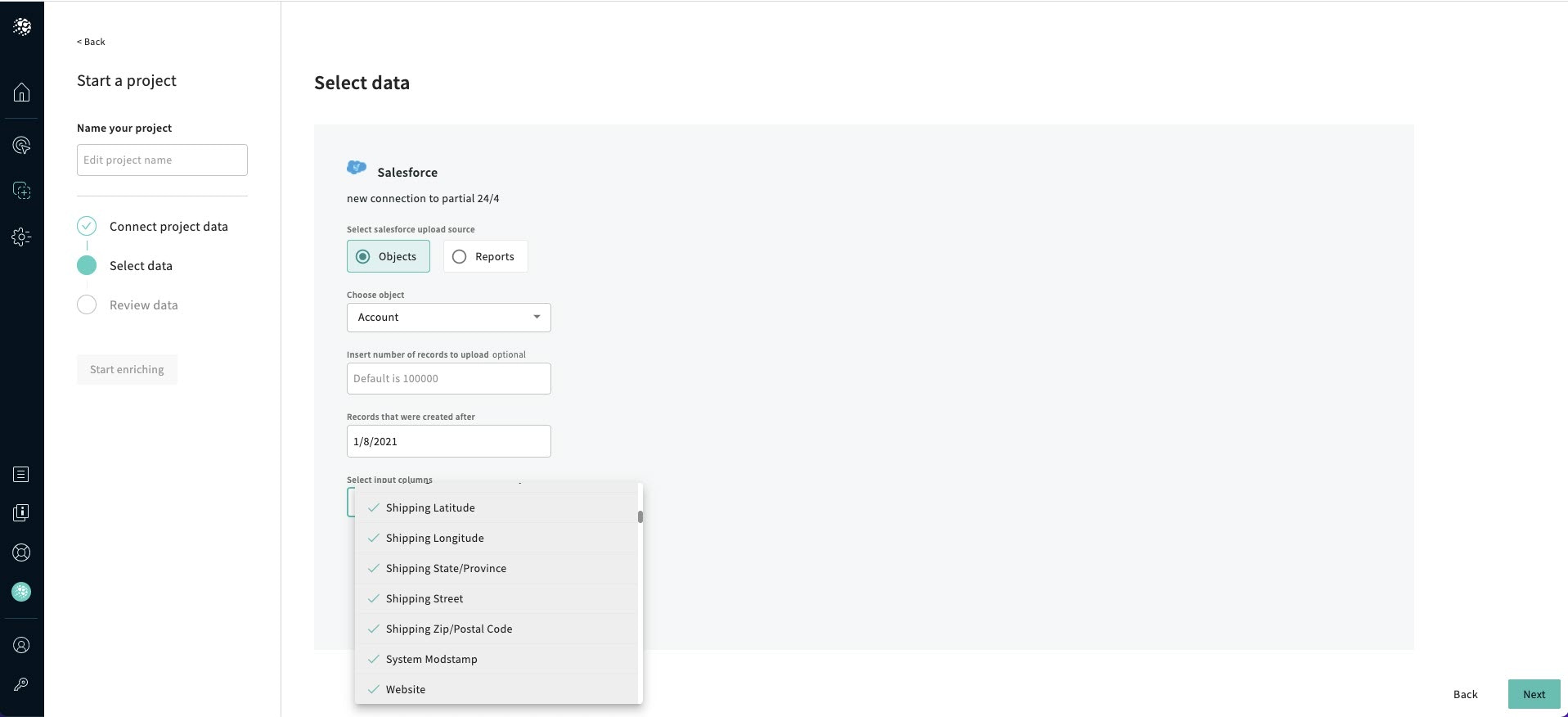
Select the Input columns
8
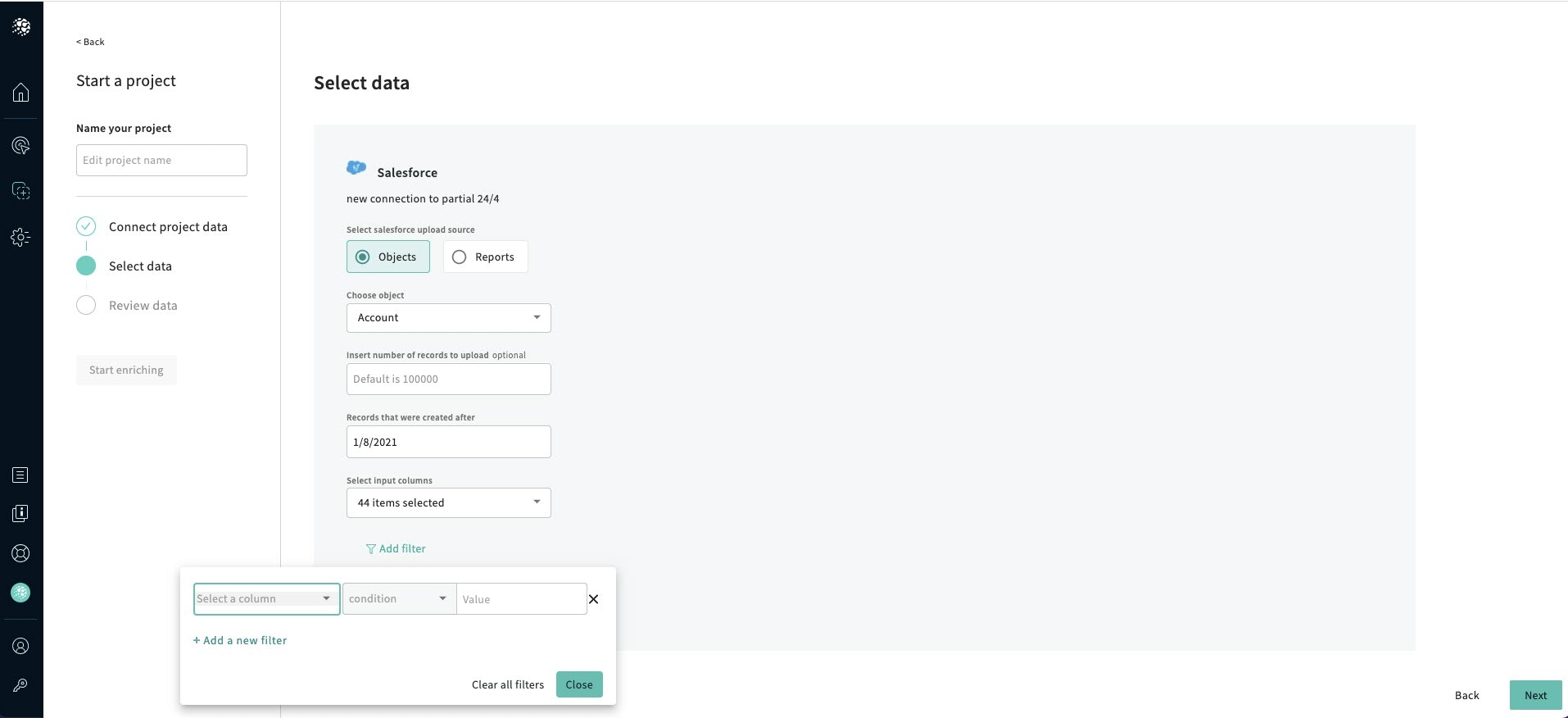
Add filters
9
Click Close, and click Next, and the Review Data screen is displayed.